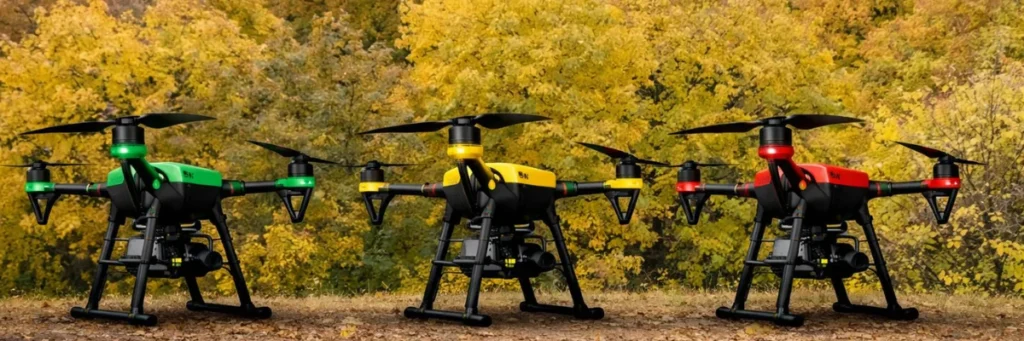
When people start using drones, one of the first things they need to understand is where they are allowed to fly. In India, drone flying is controlled through an airspace classification system shown on the Digital Sky airspace map. This map divides locations into Green Zone, Yellow Zone, and Red Zone. These zones help drone users know whether they can fly normally, need permission, or should not fly there at all. The map is dynamic, and Digital Sky says it should be checked before every drone flight.
Why these zones are important
A drone may be ready, the battery may be charged, and the pilot may be prepared, but that still does not mean the location is open for flying. The zone matters because it decides the level of restriction for that area. Under India’s Drone Rules, operators must verify zonal restrictions on Digital Sky before starting operations.
Green Zone
A Green Zone is the part of airspace where drone operations are generally allowed without prior permission, within the applicable limits. The official definition says green zone is airspace up to 400 feet (120 metres) above land or territorial waters that is not marked as red or yellow, and up to 200 feet (60 metres) in the area between 8 km and 12 km from the perimeter of an operational airport.
What this means in simple words
Green Zone is the easiest area for normal drone flying. It is the most suitable zone for routine operations, as long as the operator still follows all other safety and legal rules. It does not mean flying without responsibility. It only means prior permission is generally not required because the area is not classified as yellow or red.
Yellow Zone
A Yellow Zone is controlled airspace where drone operations are restricted and require permission from the concerned air traffic control authority. The official definition says this includes airspace above 400 feet in green zones and airspace above 200 feet in the area between 8 km and 12 km from an operational airport.
What this means in simple words
Yellow Zone is not fully banned, but it is not open for casual flying. If your location falls in a yellow zone, you need approval before operating the drone. This is why people should check the map first instead of assuming the flight is allowed.
Red Zone
A Red Zone is the most restricted category. The official definition says red zone is airspace where drone operations are permitted only by the Central Government.
What this means in simple words
If a place is marked as a red zone, normal drone flying is not allowed there. These are highly restricted areas, and operators should treat them as no-fly locations unless special government permission exists.
Simple way to understand all three zones
| Zone | Meaning |
|---|---|
| Green Zone | Flying is generally allowed without prior permission, within limits |
| Yellow Zone | Flying is restricted and needs prior permission |
| Red Zone | Flying is not allowed unless specially permitted by the Central Government |
These zone meanings come directly from India’s drone framework and the Digital Sky map system.
Why people often get confused
Many people think drone permission depends only on the size of the drone or the purpose of the flight. But airspace zoning is a separate issue. Even if the drone is legal and the operator is prepared, the flight may still be restricted because of the area. That is why the Digital Sky platform is important. It helps people check whether the flight area intersects a red or yellow zone.
Can the zones change?
Yes. The Drone Rules state that the airspace map can be updated from time to time, and the Digital Sky site says the map is dynamic. The rules also allow temporary red zones in urgent situations. That is why operators should check the map before every flight instead of depending on an earlier result.
How to check the zone
The easiest way is to use the Digital Sky Airspace Map. It is the official source for checking whether a location is in a green, yellow, or red zone.